As part of our commitment to keeping your content marketing and syndication running smoothly, we want to inform you of some significant changes regarding automated posting to X (formerly Twitter).
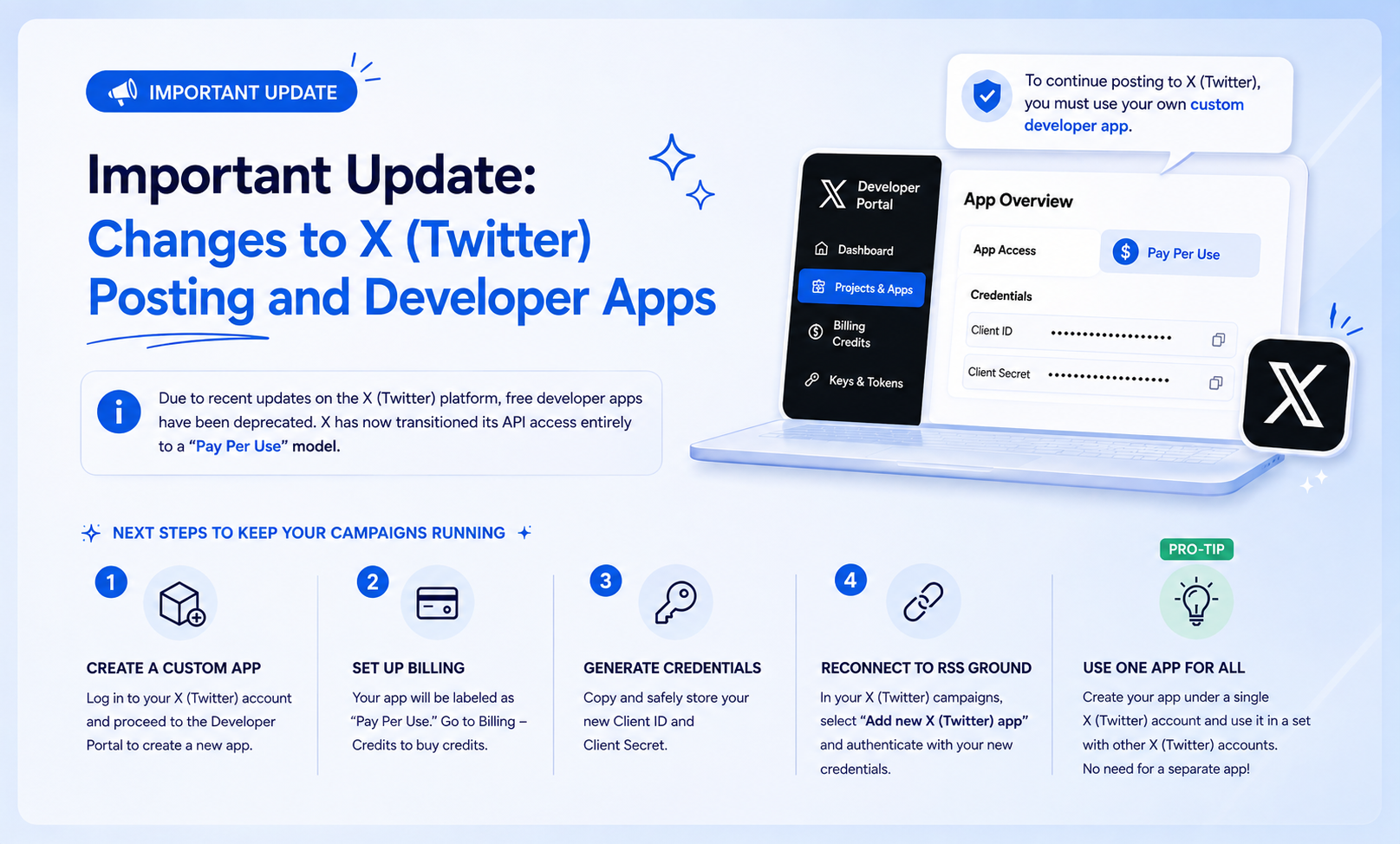
Due to recent updates on the X (Twitter) platform, free developer apps have been deprecated. X has now transitioned its API access entirely to a “Pay Per Use” model.
What does this mean for you?
Because of these platform-wide restrictions, we can no longer support the free RSS Ground default app, and it has unfortunately been removed. To continue automating your content posting to X (Twitter), you will now need to set up and use your own custom developer app.
Next Steps to Keep Your Campaigns Running
To get your automated Twitter campaigns back on track, please follow these steps:
Create a Custom App: Log in to your X (Twitter) account and proceed to the Developer Portal to create a new app.
Set up Billing: Once your app is created, it will be labeled as “Pay Per Use.” To activate it for posting, you will need to navigate to the Billing – Credits section to buy credits.
Generate Credentials: Copy and safely store your new Client ID and Client Secret.
Reconnect to RSS Ground: Go to your X (Twitter) posting campaigns and in the Posting section select “Add new X (Twitter) app,” and authenticate your account using your new Client ID and Client Secret.
Pro-tip: You can create your app under a single X (Twitter) account and use it in a set with other X (Twitter) accounts for posting. There is no need to create a separate app for each of your X (Twitter) accounts!
Useful links:
We understand that navigating these third-party platform changes can be frustrating, but we are here to support you every step of the way. If you need detailed instructions, please refer to our step-by-step user guide on how to create and set up your X (Twitter) developer app.